






You may have noticed the tiny raised bumps on the F and J keys of your computer keyboard, but probably never stopped to wonder why they are there. They aren’t manufacturing defects or random bits of texture. These small bars are actually designed to help you position your hands correctly while typing.

The bumps are known as tactile markers or home-row markers. They give your fingers a physical reference point, allowing you to locate the F and J keys without looking down at the keyboard. This becomes particularly useful when you’re typing quickly or using a touch-typing technique.

In touch typing, the left index finger rests on F, while the right index finger rests on J. The remaining fingers naturally fall across the other keys in the home row — A, S, D on the left and K, L and the semicolon key on the right. Once your index fingers find those tiny bumps, your hands can be positioned correctly without needing to look at the keys.

This simple feature can make a surprisingly big difference to typing speed and accuracy. If your hands drift away from their correct position, the bumps provide an instant tactile cue to help you reset them. In other words, your fingers can “see” where they are even when your eyes are focused on the screen.
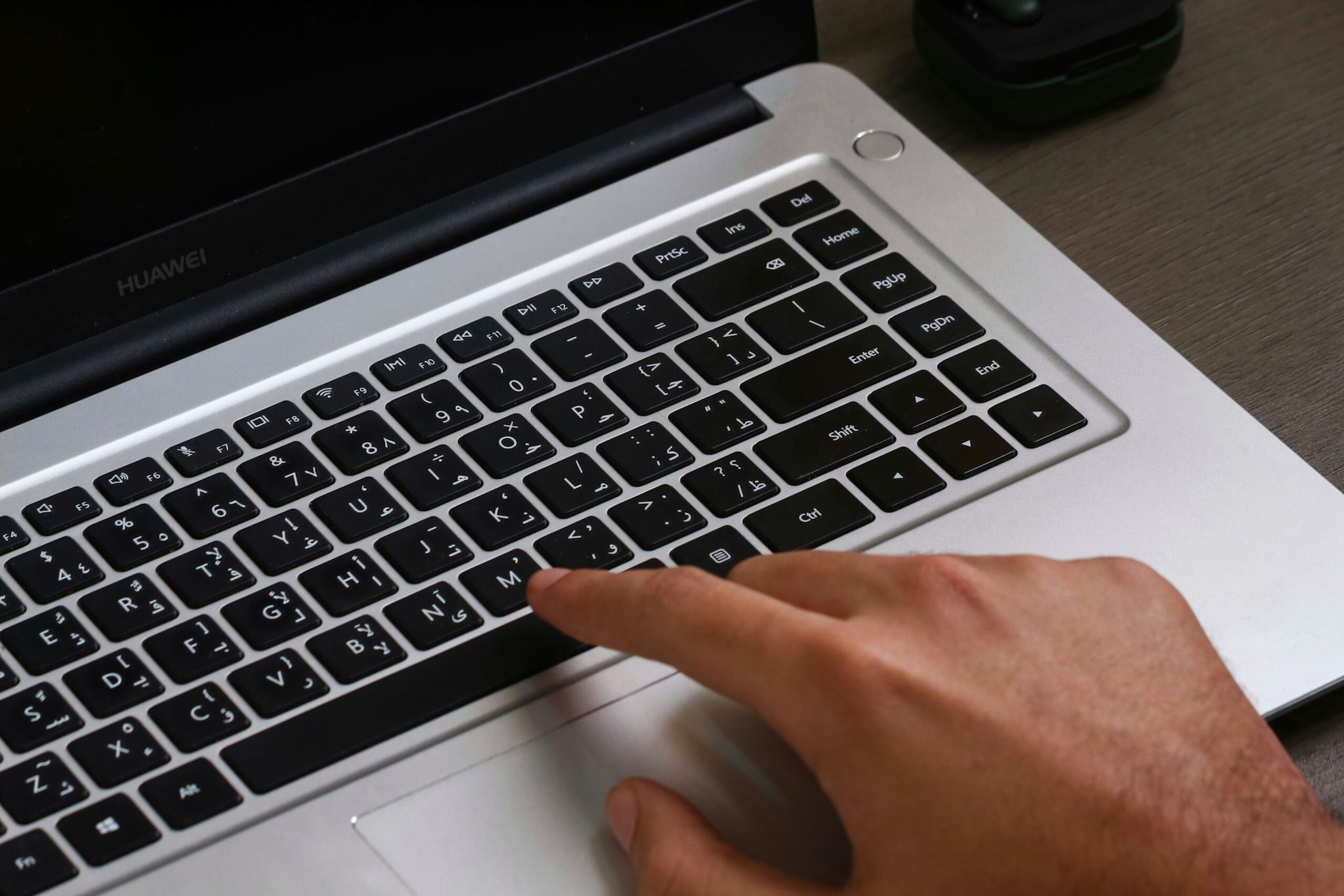
And this idea is much older than today’s laptops. The concept of using physical markers to help typists position their hands dates back to the era of typewriters and touch typing. As keyboards evolved from typewriters to computers, the basic layout and many of its practical design features remained.

Interestingly, F and J aren’t the only keys that can have tactile markers. On many numeric keypads, the number 5 key also has a raised bump. It serves essentially the same purpose, helping users orient their hands without looking, especially when entering numbers quickly.