





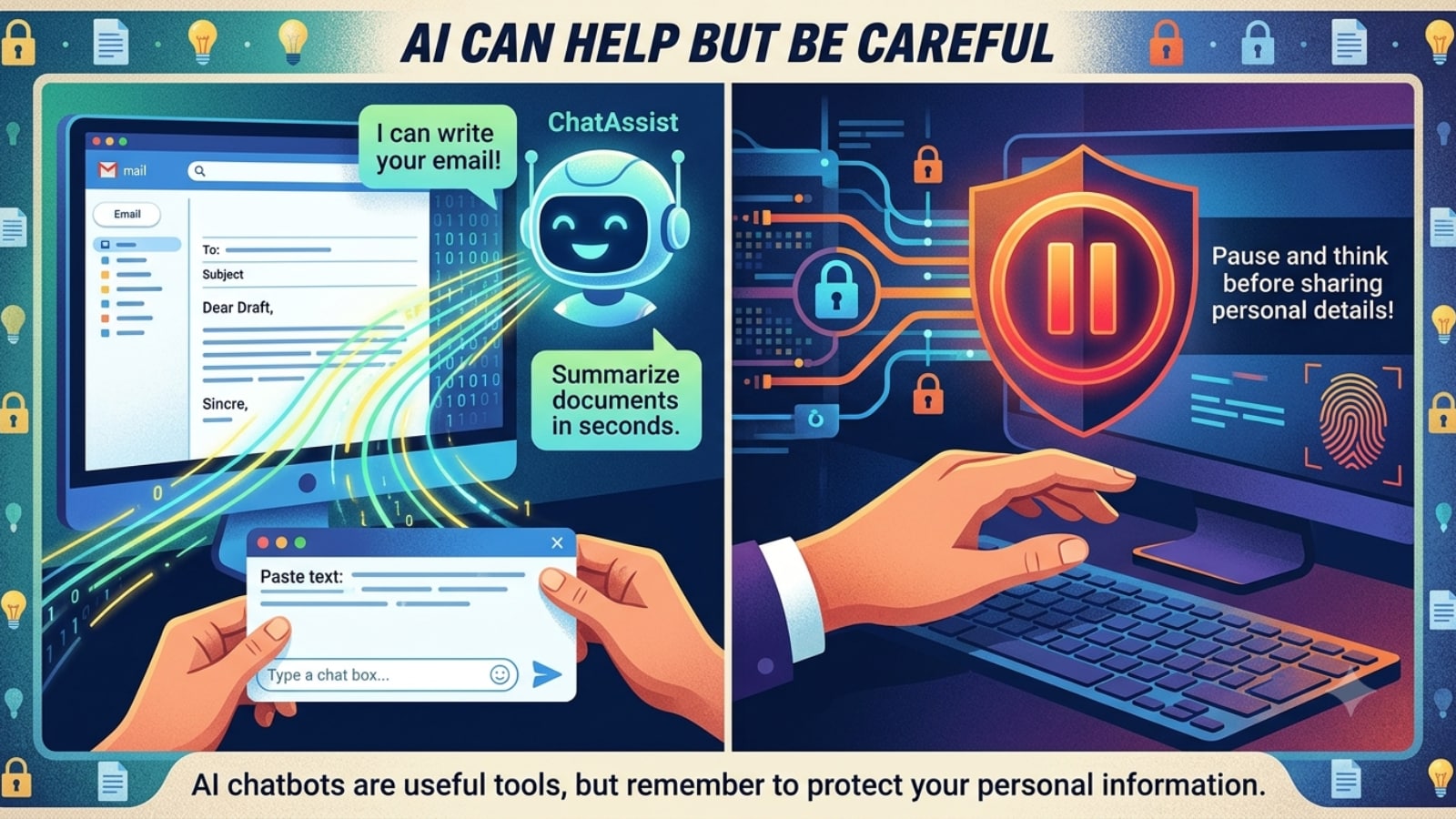
AI Can Help But Be Careful
AI chatbots can write emails, explain documents and answer questions in seconds. But while they are useful, they don’t need every detail about your life. Before you copy and paste personal information, pause for a moment. A little caution can help keep your data safe.
(AI Generated Image)
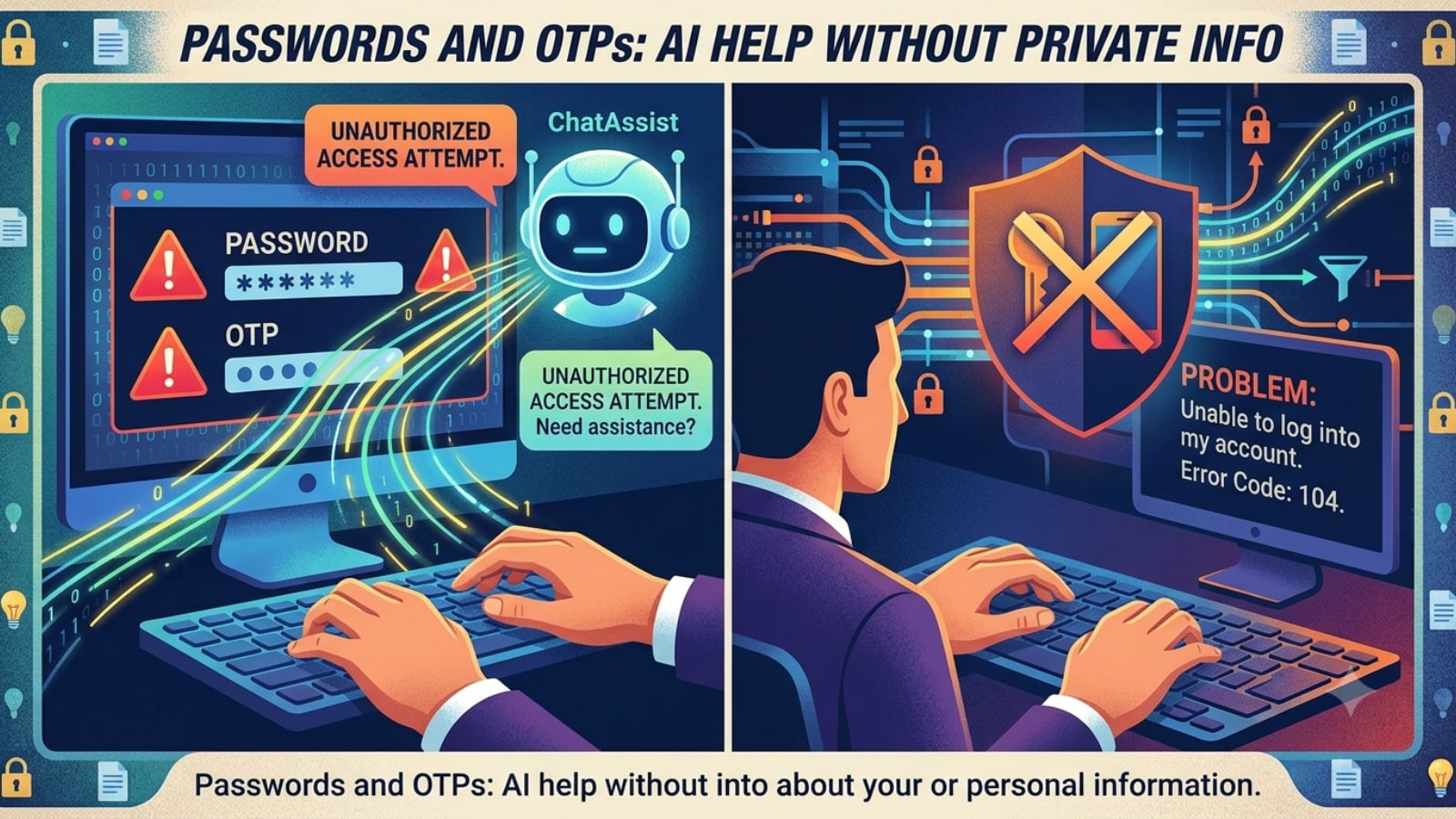
Passwords and OTPs
Never share your passwords, PINs, one-time passwords (OTPs) or security answers with an AI chatbot. If you’re having trouble logging into an account, explain the problem instead of sharing your login details. AI can still help without seeing your private information. (AI Generated Image)
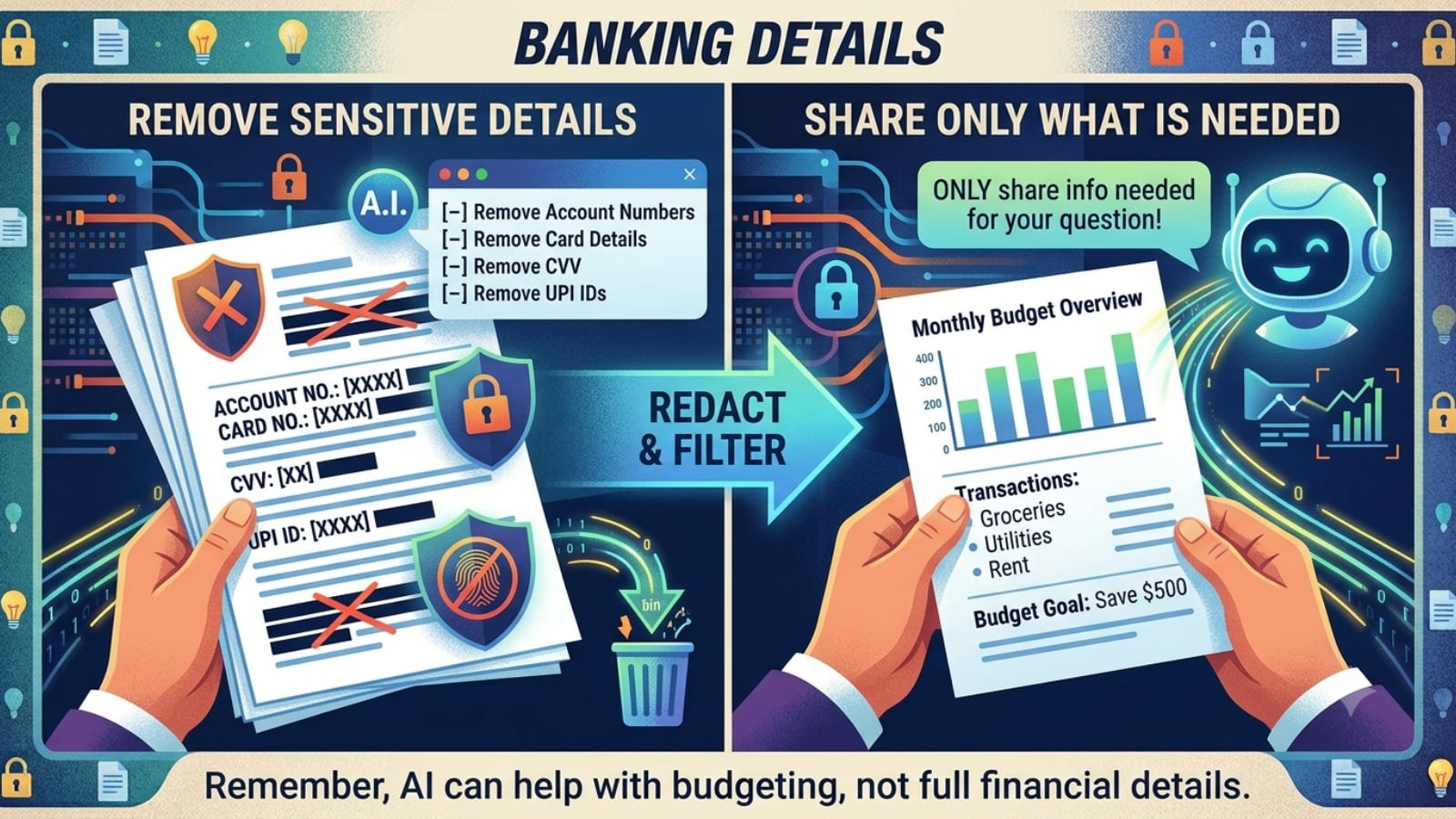
Banking Details
AI can help you understand bank statements or create a budget, but it doesn’t need your full financial details. Remove account numbers, debit or credit card details, CVV numbers and UPI IDs before uploading any document. Share only the information needed for your question. (AI Generated Image)
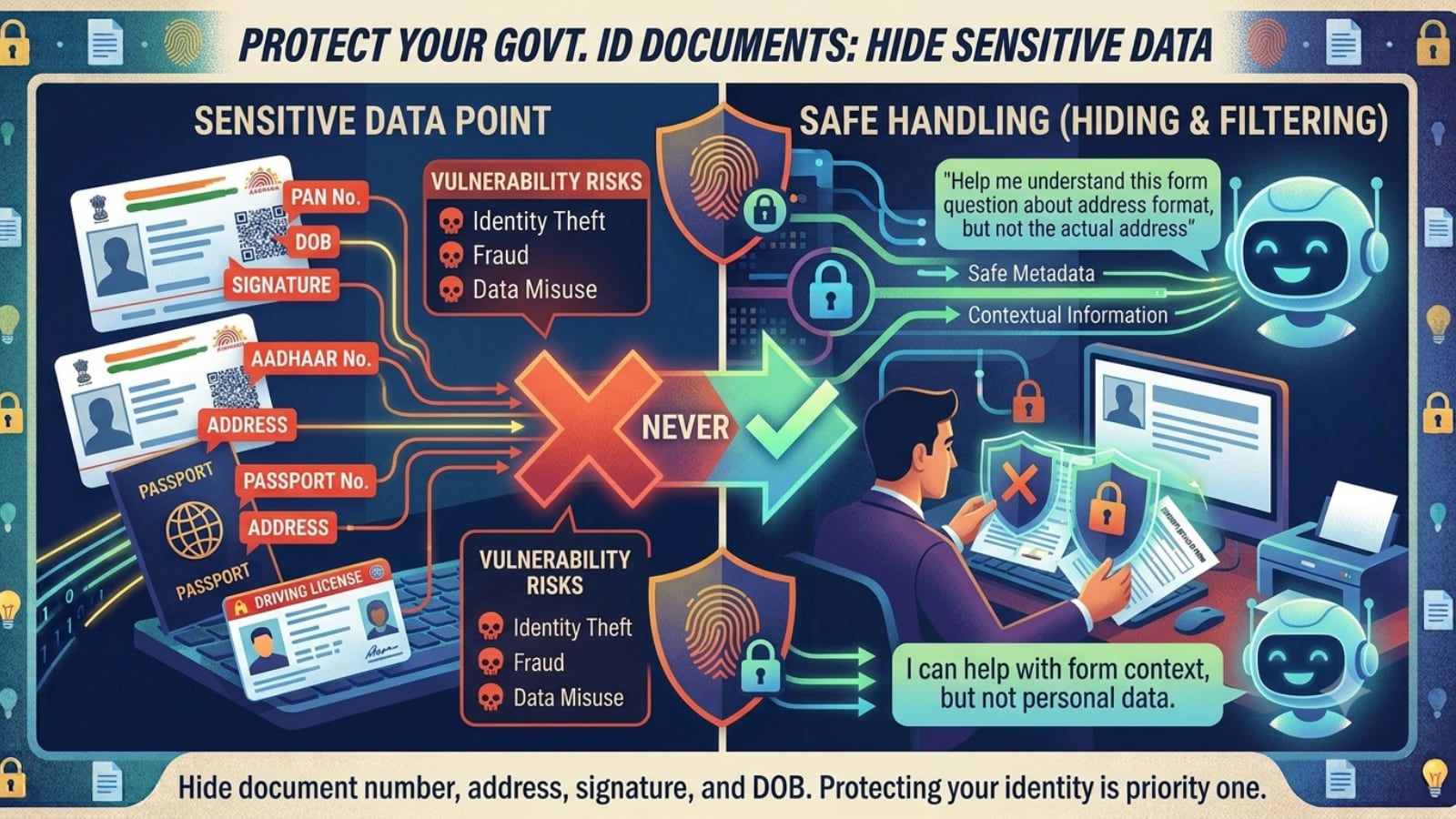
Government ID Documents
Documents like Aadhaar cards, PAN cards, passports and driving licences contain sensitive personal information. If you need help understanding a form, hide details such as your document number, address, signature and date of birth. This helps protect your identity from misuse. (AI Generated Image)
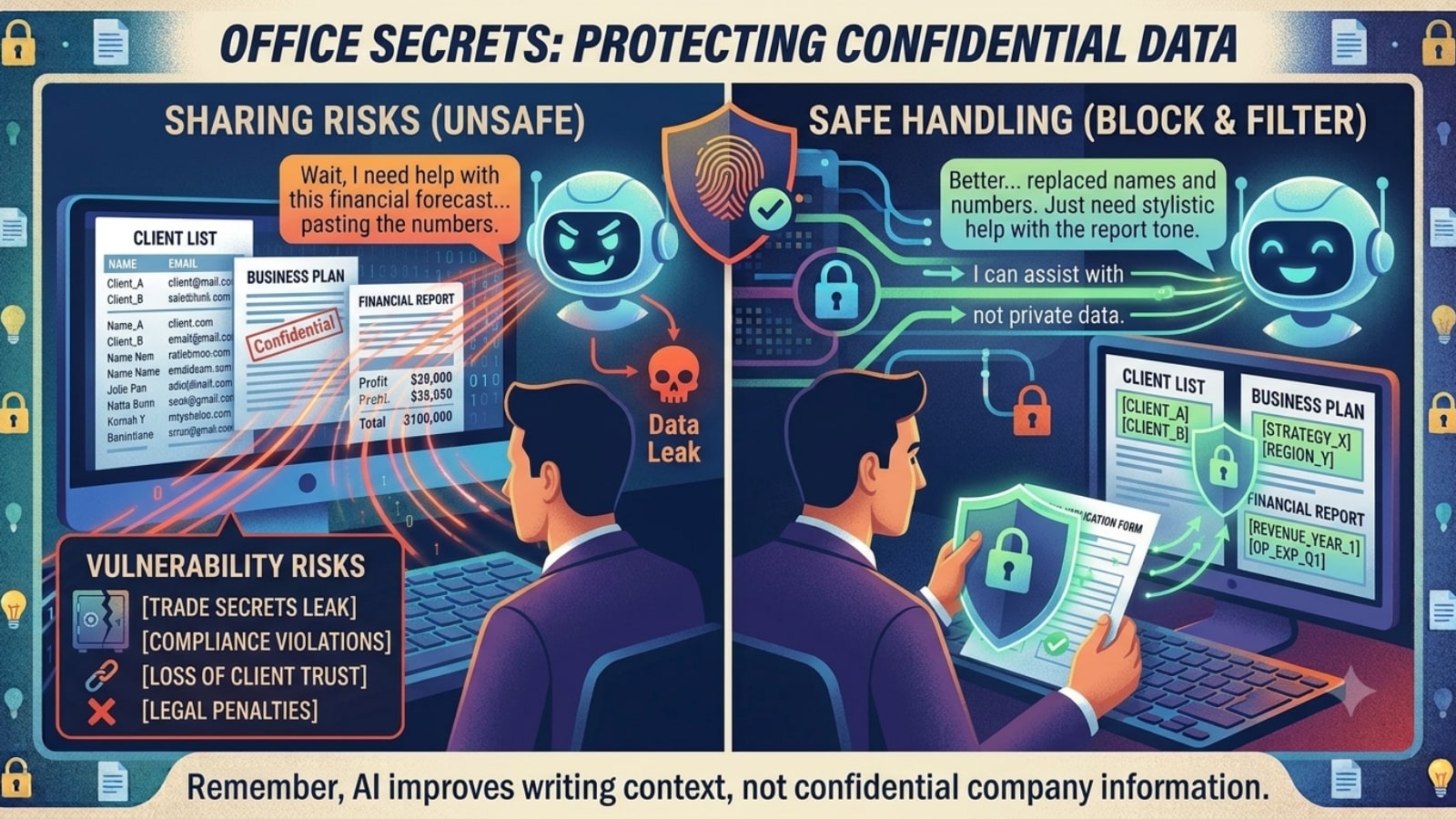
Office Secrets
Many people use AI to improve emails, reports and presentations. But avoid sharing confidential office information such as client details, business plans, financial reports or meeting notes. If needed, replace company names and sensitive details with simple placeholders before asking for help. (AI Generated Image)
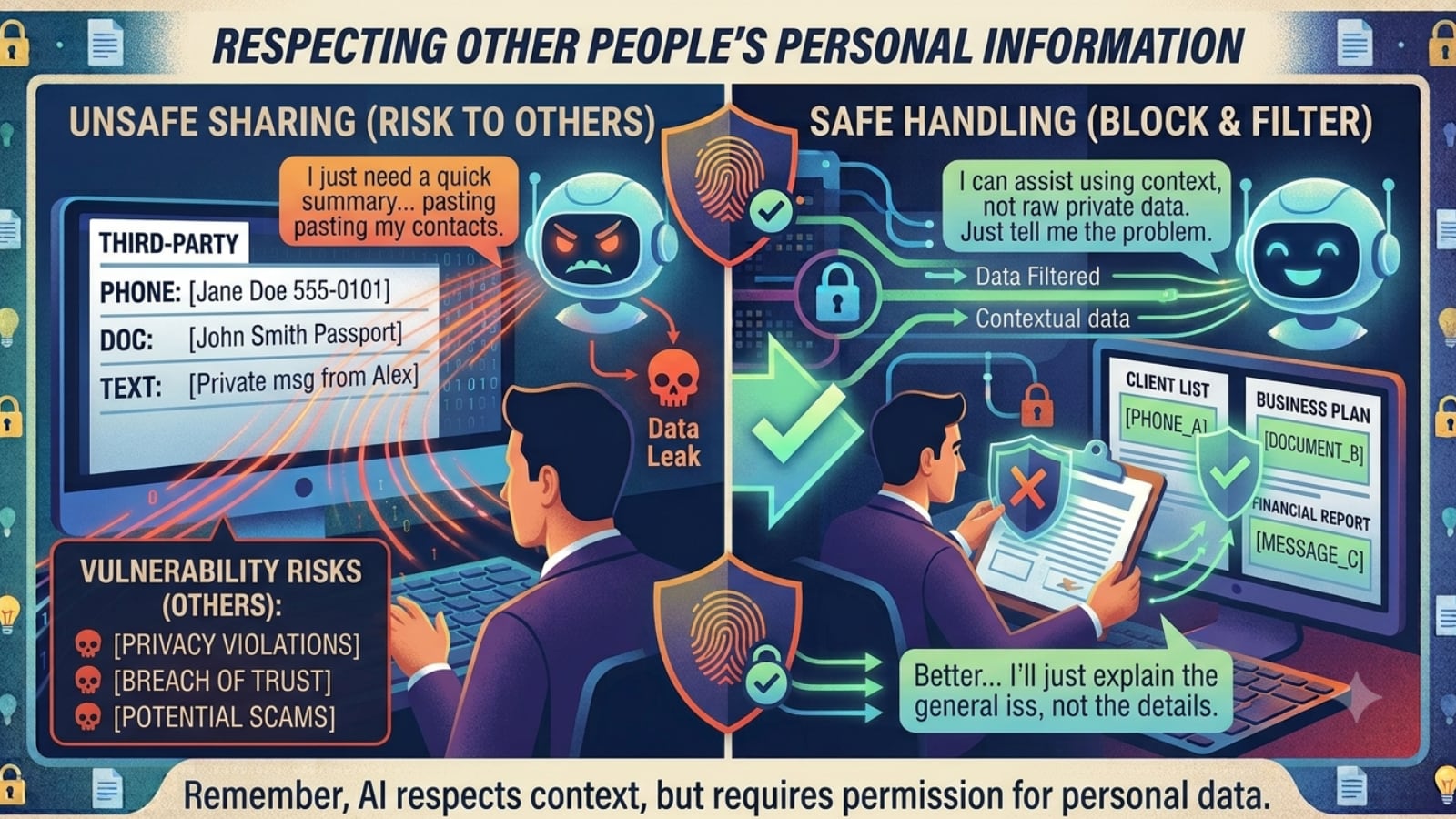
Other People’s Personal Information
Just because someone shared their details with you doesn’t mean you should share them with AI. Avoid uploading another person’s phone number, documents or private messages without permission. Respecting other people’s privacy is just as important as protecting your own. (AI Generated Image)