



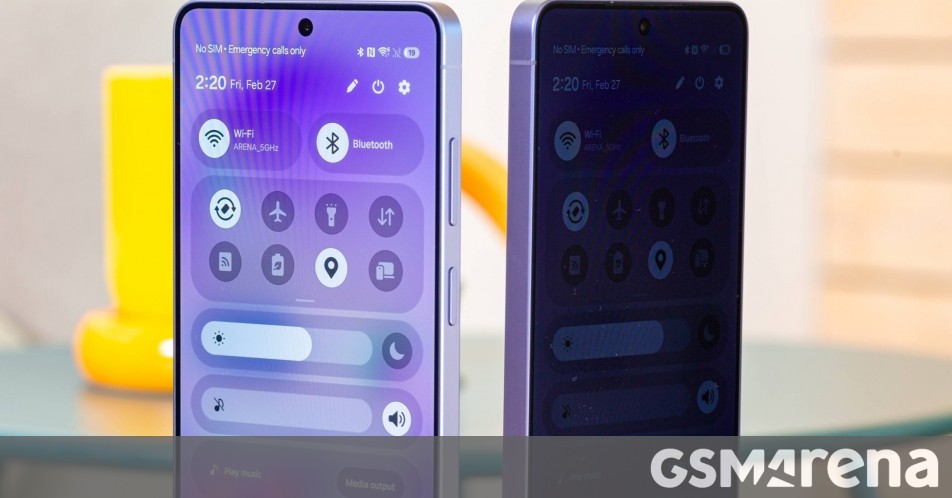
Samsung introduced the Privacy Display feature with the Galaxy S26 Ultra, which makes it hard for others to see the contents on the phone’s screen when viewed from an angle. With the fourth One UI 9 beta released last week, Samsung made the Privacy Display more useful.
The One UI 9 beta update for the Galaxy S26 Ultra brings picture-in-picture (PiP) video support for the Privacy Display, meaning that when you start watching a video in PiP mode with Privacy Display enabled, only that PiP window is obscured, while the contents on the rest of the screen remain visible at off-angle. You can watch the video below shared by tipster Ice Universe to see how Privacy Display for PiP videos works.
Heads up! Samsung has introduced a very useful upgrade to the Privacy Display feature on the Galaxy S26 Ultra in One UI 9.
For example, if you’ve enabled Privacy Display only for YouTube, when you minimize the video into Picture in Picture (PiP) and return to the home screen,… pic.twitter.com/ck1IqxUppo
— Ice Universe (@UniverseIce) July 21, 2026
A post on Samsung Community forums states that Privacy Display for PiP videos will continue to work even when you move the PiP window around on the screen, while features like Edge Panel will also be detected so the PiP Privacy Display doesn’t cover them.
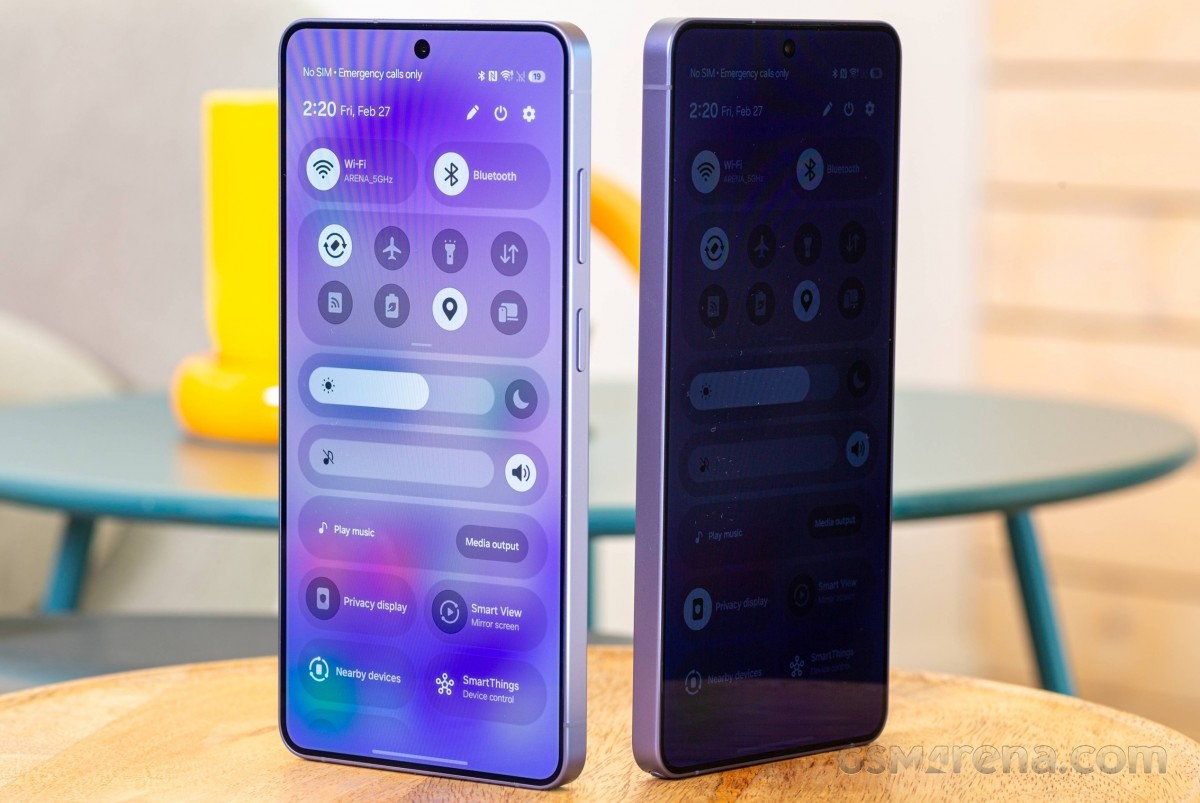
If you have a Samsung Galaxy S26 Ultra running One UI 9 beta, you will need to enable Privacy Display for individual apps for PiP videos. Moreover, Privacy Display shouldn’t be enabled for the entire screen, or it won’t work with PiP videos.
You can read more about the Samsung Galaxy S26 Ultra’s Privacy Display feature here.
Samsung Galaxy S26 Ultra 5G
Source (in Korean)